
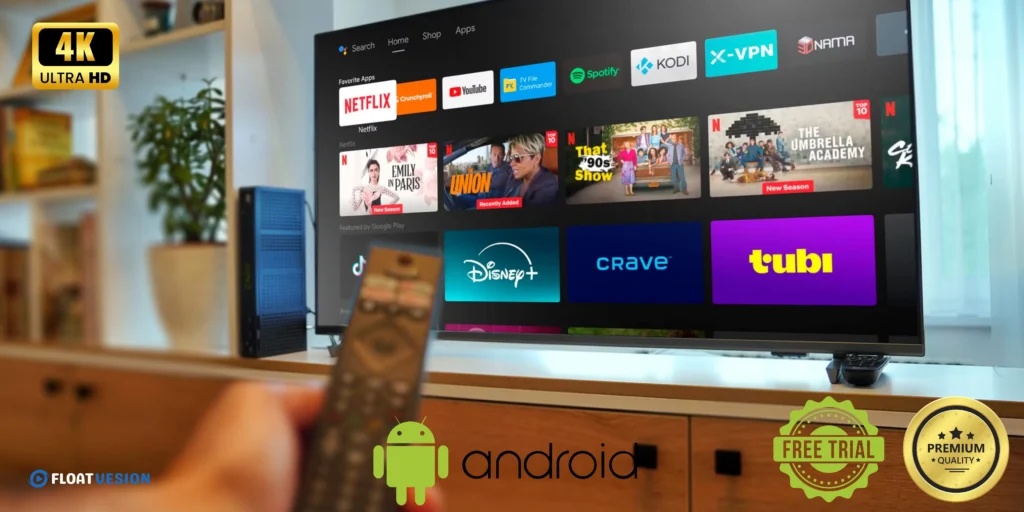
How to Watch IPTV on Android TV: The Ultimate Beginner-Friendly Guide (2026 Edition)
How to Watch IPTV on Android TV
Introduction to IPTV on Android TV
Streaming television has changed dramatically in recent years, and IPTV is at the center of that transformation. If you’re wondering how to watch IPTV on Android TV, you’re in the right place. This guide walks you through everything—from basics to advanced tips—so you can enjoy live TV, movies, and shows effortlessly.
Unlike traditional cable, IPTV (Internet Protocol Television) delivers content over the internet. Combined with Android TV, it offers flexibility, customization, and access to global content—all in one place.
What is IPTV and How Does It Work?
IPTV stands for Internet Protocol Television. Instead of using satellite or cable signals, it streams TV channels via your internet connection.
There are three main formats:
- Live TV – Real-time broadcasts
- Video on Demand (VOD) – Movies and series anytime
- Time-shifted media – Replay past content
Think of IPTV as Netflix for live TV—with way more control.
Why Use Android TV for IPTV Streaming
Android TV is one of the best platforms for IPTV because it offers:
- Easy app installation
- Customizable interface
- Support for multiple IPTV players
- Integration with Google services
Devices like smart TVs and streaming boxes powered by Android TV make it simple to turn your living room into a powerful entertainment hub.
Requirements to Watch IPTV on Android TV
Internet Speed Recommendations
To enjoy smooth streaming:
- SD Quality: 5 Mbps
- HD Quality: 10 Mbps
- 4K Streaming: 25+ Mbps
A stable connection is more important than speed alone.
IPTV Subscription Basics
You’ll need:
- An IPTV provider subscription
- Access credentials (M3U URL or Xtream Codes)
Without these, IPTV apps won’t display content.
👉 Get started now with our FREE 24-hour IPTV trial and enjoy buffer-free streaming on your Android TV!
📲 WhatsApp (Quick Setup): https://wa.me/message/O7OTL4D6HU3RM1
📲 Direct WhatsApp Support: +1 619 837 1809
🌐 Visit Our Website: https://wwwFloatvesion.com
🔥 No commitment. No hassle. Just instant access to high-q
Compatible Android TV Devices
Most modern devices support IPTV, including:
- Smart TVs with Android OS
- TV boxes
- Streaming sticks
Ensure your device runs a recent Android TV version for best performance.
Best IPTV Apps for Android TV
TiviMate IPTV Player Overview
TiviMate is widely regarded as one of the best IPTV apps. It offers:
- Clean interface
- EPG support
- Multi-playlist support
IPTV Smarters Pro Features
This app is beginner-friendly and supports:
- Xtream Codes login
- VOD and live TV
- Multi-screen viewing
Perfect Player IPTV Review
A lightweight option with:
- Advanced settings
- External player support
- Customizable UI
How to Install IPTV Apps on Android TV
Installing from Google Play Store
- Open Google Play Store
- Search for IPTV app
- Click Install
- Launch the app
Sideloading APK Files
If an app isn’t available:
Using Downloader App
- Install Downloader
- Enter APK URL
- Download and install
- Enable unknown sources if prompted
How to Watch IPTV on Android TV (Step-by-Step Guide)
Adding M3U Playlist
- Open IPTV app
- Select “Add Playlist”
- Enter M3U URL
- Wait for channels to load
Using Xtream Codes API
- Choose Xtream login
- Enter:
- Username
- Password
- Server URL
- Click Login
This method is faster and more organized.
Setting Up IPTV for Best Performance
Adjusting Video Settings
- Enable hardware decoding
- Adjust buffer size
- Set resolution based on internet speed
Using VPN for IPTV
A VPN can:
- Protect your privacy
- Avoid ISP throttling
- Access geo-restricted content
Common Issues and Troubleshooting
Buffering Problems
Fix by:
- Checking internet speed
- Switching servers
- Using Ethernet instead of Wi-Fi
Login Errors
- Double-check credentials
- Ensure subscription is active
App Crashes
- Clear cache
- Update app
- Reinstall if needed
Legal Considerations of IPTV
Is IPTV Legal?
IPTV itself is legal. However, legality depends on the provider and content rights.
How to Stay Safe
- Use reputable providers
- Avoid pirated streams
- Consider VPN usage
Tips to Enhance IPTV Experience
External Players
Apps like VLC or MX Player improve playback quality.
Electronic Program Guide (EPG)
EPG helps you:
- View schedules
- Navigate channels easily
FAQs About How to Watch IPTV on Android TV
1. What is the best app for IPTV on Android TV?
TiviMate and IPTV Smarters Pro are among the best options.
2. Do I need a subscription for IPTV?
Yes, most IPTV services require a paid subscription.
3. Can I watch IPTV for free?
Some free playlists exist, but they are often unreliable.
4. Why is my IPTV buffering?
Usually due to slow internet or overloaded servers.
5. Is a VPN necessary for IPTV?
Not required, but highly recommended for privacy and performance.
6. Can I install IPTV on any Android TV?
Yes, as long as it supports app installation.
Conclusion
Now you fully understand how to watch IPTV on Android TV—from choosing the right app to setting up playlists and optimizing performance. IPTV gives you unmatched flexibility, allowing you to watch global content on your terms.
By following this guide, you’ll be able to transform your Android TV into a powerful streaming device in just minutes.
🚀 Start Watching IPTV on Android TV Today – Free 24H Trial!
Ready to experience the easiest way How to Watch IPTV on Android TV with premium channels, movies, and live sports?
👉 Get started now with our FREE 24-hour IPTV trial and enjoy buffer-free streaming on your Android TV!
📲 WhatsApp (Quick Setup): https://wa.me/message/O7OTL4D6HU3RM1
📲 Direct WhatsApp Support: +1 619 837 1809
🌐 Visit Our Website: https://wwwFloatvesion.com
🔥 No commitment. No hassle. Just instant access to high-quality IPTV streaming!